
Even if you don’t consider yourself a tech-savvy member of the digital community, chances are you’ve noticed someone walking through your office, grocery store, or other public place with an Apple Watch, Pebble or other “wearable” piece of tech.From this perspective, it makes sense for these wearables to seem like nothing more than trendy fad or passing infatuation within the consumer tech marketplace. However, this cursory understanding of the situation is far from an accurate outlook.To make sure you don’t fall behind and miss a golden opportunity to tap into the fervour surrounding wearables, let’s break down this trend and find out what your brand needs to do to build winning offerings for this platform.

What Exactly is Wearable Technology?
If you’re not exactly familiar with what constitutes a wearable, then it’s probably a good idea to take a moment and review the particulars of these mobile offerings. Otherwise, trying to craft your email content with these devices in mind can end up being a lesson in futility.The term “wearable” covers Google Glass, Apple Watch and any other peripheral device that connects to a tethered smartphone, or its own independent wireless or cellular Internet connection. In other words, if there’s a “smart” version of a classic wardrobe addition — think watches, bracelets, and — then it falls under the wearable designation.

A Look at the Wearable Trend
As far as the spread of wearables goes, Business 2 Community’s Liz Willits explains that 2016 looks to be a banner year for consumers to adopt these devices. Specifically, over 9% of all adults will have smartwatches and check their email accounts on these devices by the end of the year. Adding in the other types of wearables only serves to push this percentage to even more impressive heights.Of course, this slice of your overarching email marketing audience won’t compare to the desktop and smartphone contingencies in terms of shear purchasing power — for the time being. However, the continued upward momentum and growth within the wearable movement isn’t something your brand can ignore if it wants to retain its spot as a major player in the inbox.

Making the Most of the Wearable Opportunity
Now that you’re an expert on the rise of wearables within your targeted demographics and consumer segments, it’s time to start talking about how best to shape and mold your marketed messages for these viewers.According to Wynn Zhou of Memeburn, this process starts by understanding the tendencies of the average wearable contact list member. Zhou points to the following series of interactions as the baseline experience for consumers that rely upon smartwatches and other wearables:
- Scanning and prioritizing emails on the wearable comes first
- Reading and interacting with only the prioritized messages
- If further interaction is necessary to complete a purchase or gather more information, the wearer switches to his or her desktop, laptop or smartphone device
As far as successfully navigating the scanning and prioritizing phase goes, Zhou explains that your marketed email content must enact a functional “wearable email design.”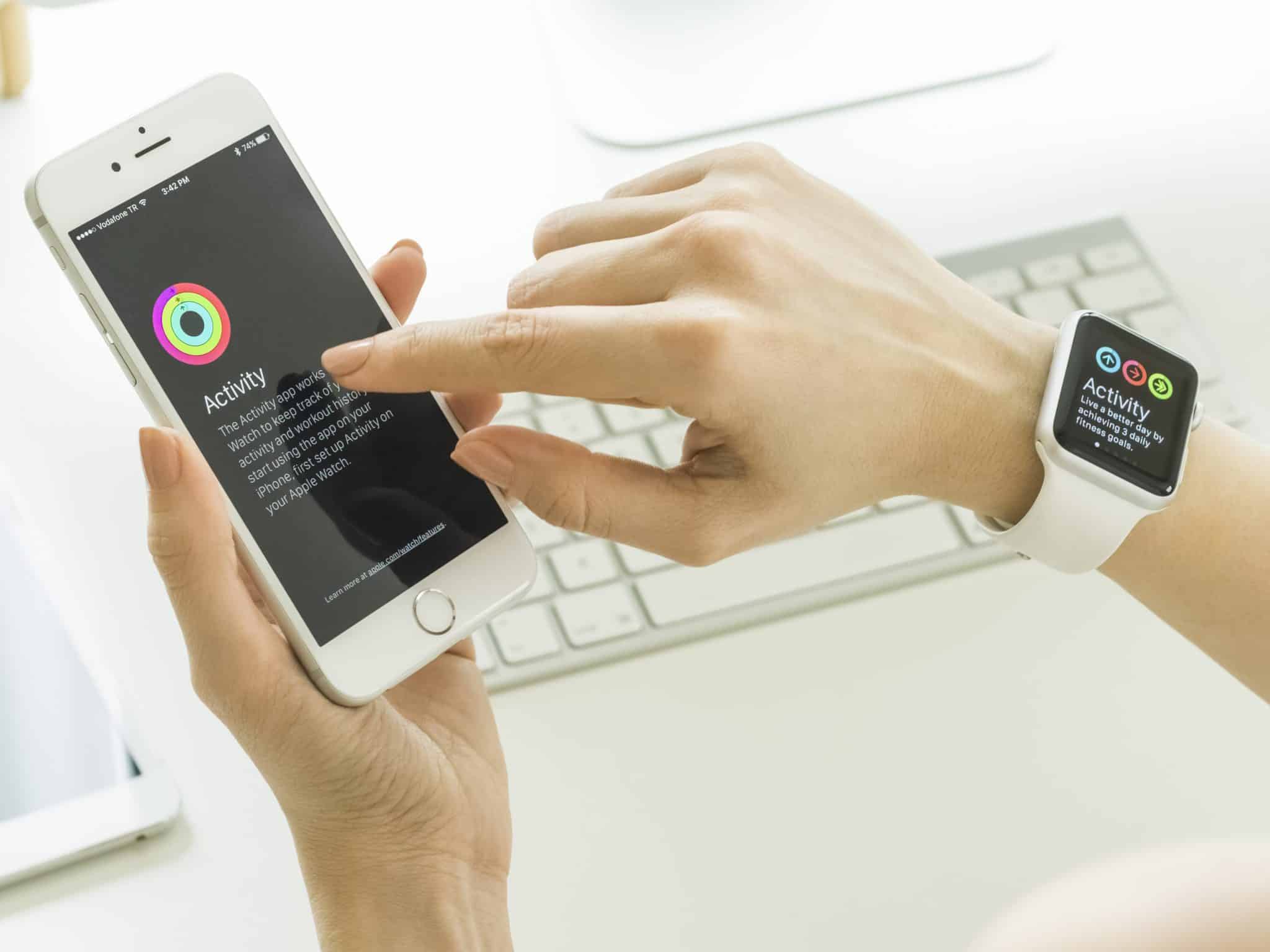 An email that fits into this design space relies upon an effective subject line and preheader text that takes advantage of the smaller dimensions of the device screen. Failing to do so can quickly relegate your offering to the lower positions on the consumer’s priority hierarchy.Once your targeted customer is sent content with a concise and engaging headline and pre-header selections, following up plain text body content is almost always preferable to emails that rely upon Flash-based designs and other advanced templating.It’s important to note that this isn’t the same as simply implementing a responsive design for mobile and desktop segments. Responsive emails have plenty of precedent from established testing and other research for these platforms, while wearable design is still firmly in the realm of virgin marketing territory.
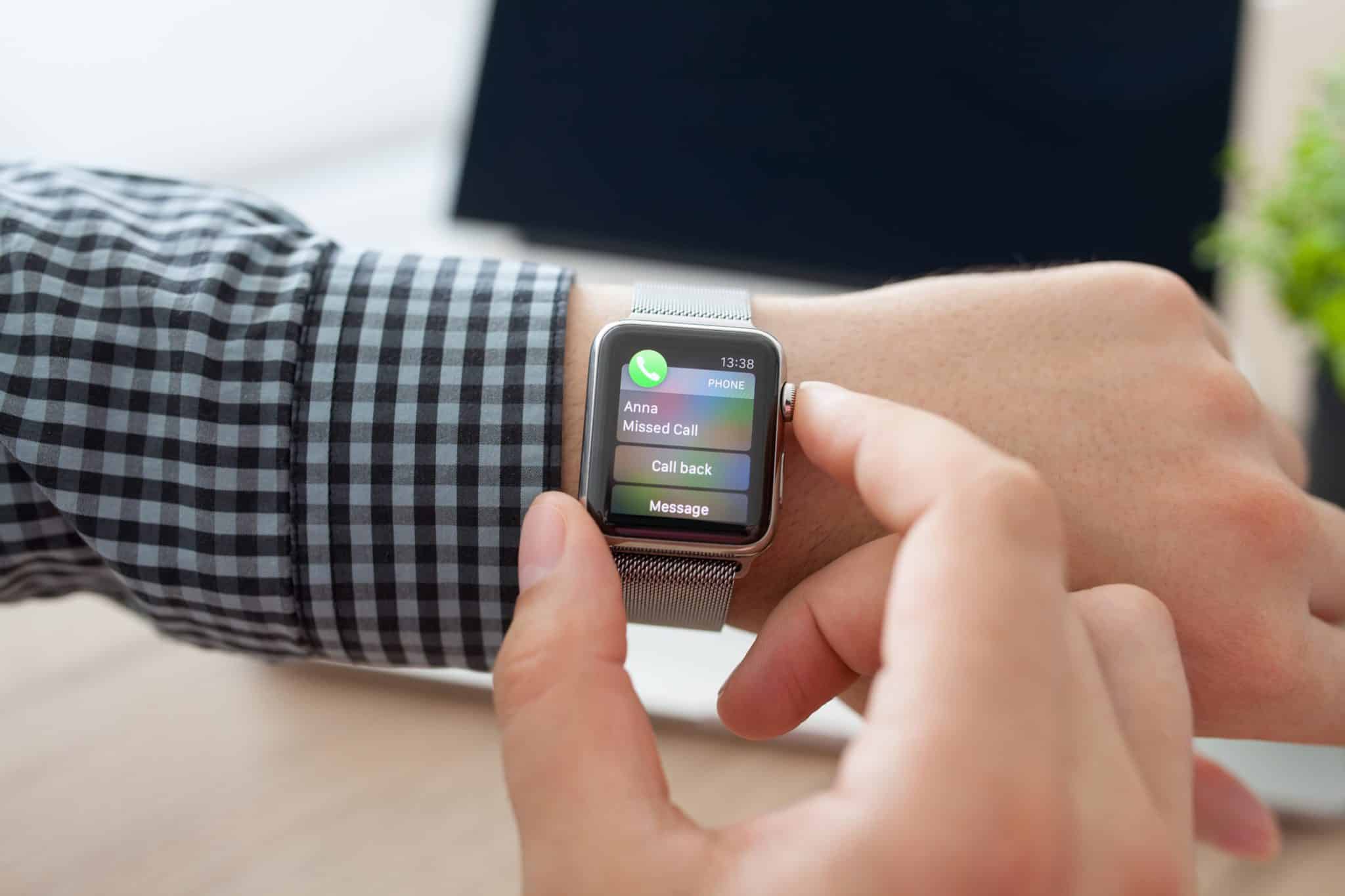 If your brand is willing to explore this uncharted landscape and take on a cutting edge role, then Zhou suggests experimenting with inventive features as a way to differentiate your outreach efforts. Most notably, voice control functionality and geolocation services stand out as powerful inclusions in the “further interaction” portion of this outreach process.At the end of the day, there’s still so much that we don’t know about this take on email marketing. From what will stand as wearable best practices, to just how much market share this trend will end up laying claim to, numerous questions remain unanswered as 2016 starts to get underway.However, with the new understanding you’ve garnered here leading the way, your brand has all the tools it needs to maximize its potential as a major player in the emerging wearable email marketing arena.